Android Auto
Android Auto Installation in Hicksville, NY
Factory-style installs for all vehicles. Serving Hicksville, Bethpage, Plainview & all of Long Island.
Get a Free QuoteUpgrade Your Car With Android Auto
Your car's factory stereo gets the job done — but if you're using your Android phone for navigation, fumbling to skip tracks, or answering calls with your phone in your hand, you're making your commute harder than it needs to be.
At Parkway Car Stereo in Hicksville, NY, we install Android Auto systems that bring your phone's most essential features directly to your dashboard — cleanly, safely, and with a factory-quality finish.
Long Island drivers trust us because we don't just swap out a head unit. We make sure everything integrates perfectly with your vehicle.
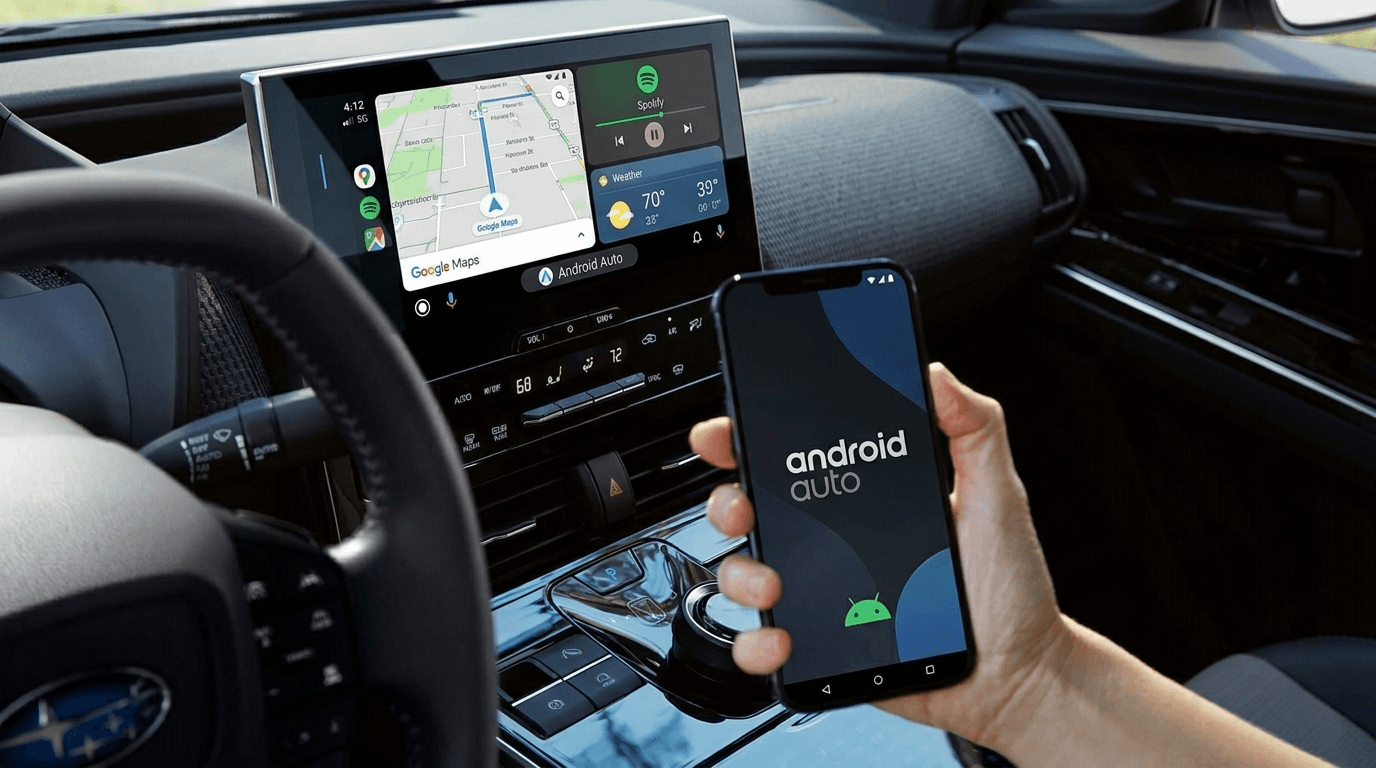
What Is Android Auto?
Android Auto turns your car's touchscreen into a streamlined, Google-powered co-pilot. Instead of mirroring your entire phone, Android Auto presents a purpose-built interface designed specifically for driving — larger icons, simplified menus, and full voice control through Google Assistant.
You get the apps you actually need on the road, without the distraction of everything else. The layout is optimized for quick glances, and every interaction — whether touch, voice, or steering wheel controls — is designed to keep your focus where it belongs: on the road.
Compatible with Android phones running Android 6.0 or later, Android Auto connects the moment you plug in. Many of our installed head units also support wireless Android Auto, so you don't even need a cable.
How Android Auto Works in Your Car
Getting Android Auto up and running starts with a professional installation of a compatible head unit. From there, connecting your phone takes seconds.

Wired Connection
Plug your Android phone into the radio's USB port and Android Auto launches automatically.

Wireless Connection
Many of the aftermarket radios we install support wireless Android Auto via Bluetooth and Wi-Fi — your phone connects the moment you get in the car.
What Can You Do With Android Auto?
Navigation
While using Android Auto, you can use either Google Maps or Waze for your navigation needs. Google Maps has become so ubiquitous that many would feel comfortable choosing it as their car's navigation system.
Communication
Make and receive calls, send and hear text messages, and reply — all without touching your phone. Android Auto works with Phone, Messages, WhatsApp, and other platforms.
Audio
Stream music, podcasts, and audiobooks from Spotify, YouTube Music, Pandora, iHeartRadio, Audible, and more. Everything is controlled from the dash or by asking Google Assistant.
Calendar
Android Auto syncs with your Google Calendar so upcoming appointments are surfaced automatically while you drive.
Google Assistant
Just say “Hey Google” to control navigation, make calls, send messages, adjust your music, or get answers — all hands-free while you drive.
Choosing the Right Android Auto Head Unit
Not all Android Auto radios are created equal. Here's what we look at when recommending a unit:
Screen Size & Fit
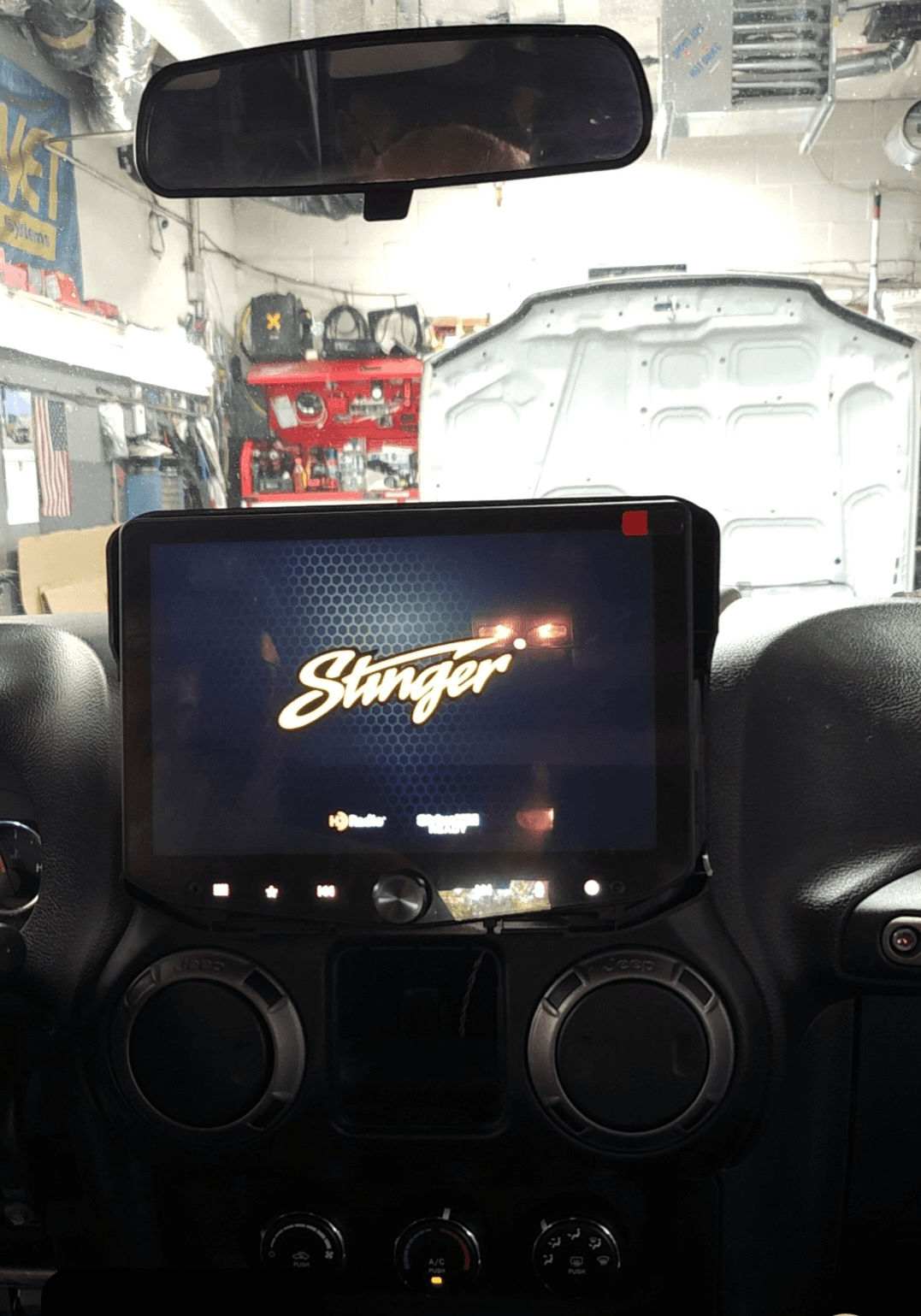
We prioritize clean, flush installs that look like they came from the factory. No bulky aftermarket look — just a seamless upgrade your dash was made for.
Wireless vs. Wired
Wireless Android Auto means no cables every time you get in. We'll recommend units that support it and make sure your phone connects automatically the moment you start the car.
Backup Camera
We preserve or add your backup camera during every install. Whether you're keeping your existing camera or adding one, it'll feed through your new screen cleanly.
Sound Quality
A better head unit means better audio output. We'll match it to your existing speakers — or recommend an amp or speaker upgrade if you want more from your system.
Get Android Auto Installed Today
The commute of any Long Island driver will improve if they install Android Auto. The team at Parkway Car Stereo will get the job done right and help advise you on choosing the best Android Auto radio for your car.
If you have any questions or would like to go forward with an installation, don't delay in reaching out to us.